Alerts: Overview
What are Alerts?
Alerts allow you to monitor specific events using customizable rules. This helps you track potential issues and key application behaviors. Integrate alerts with provider apps like Slack for team collaboration and PagerDuty for incident escalation, grouping notifications (Slack channels and/or PagerDuty services) for streamlined communication.
Use Cases
Alerts can only be configured on Plot Charts:
- Basic Alerts: Set up basic alerts on any workflow-powered Plot Chart by defining a time window, threshold, and selecting a notification group (may include Slack channels and/or PagerDuty services).
- SLO Alerts: Set up Service Level Objective (SLO) alerts on any workflow-powered Plot Rate Chart by defining an SLO window, target SLO percentage, and alert windows and burn rates.
- Notification Groups: Organize delivery targets (Slack channels, PagerDuty services) into groups to control where alerts are delivered, a single group can mix multiple target types.
Key Functionality
- Create Alert: Configure alerts directly from any workflow-powered Plot Chart.
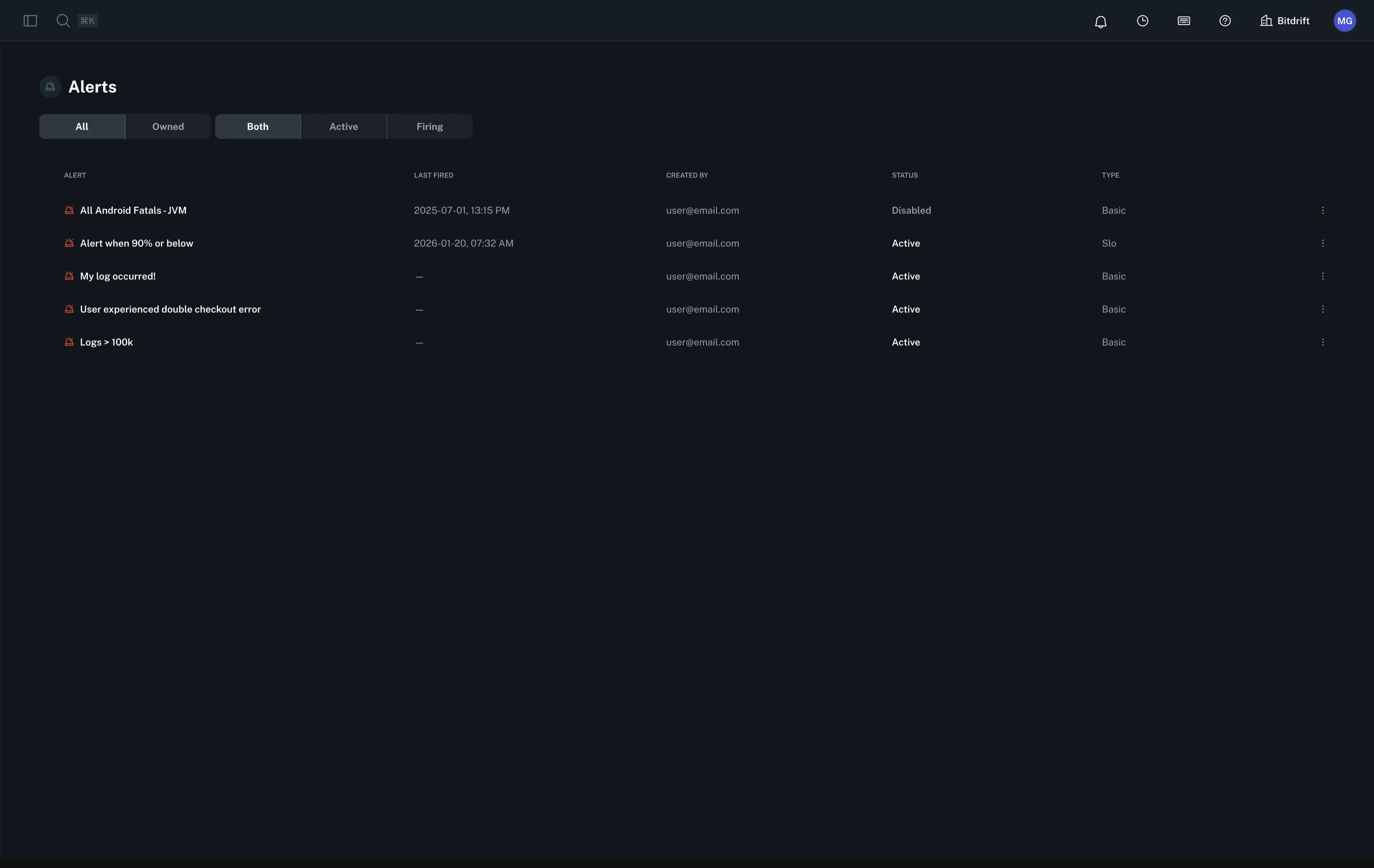
- Alerts Home Page: View and filter your alerts by status or ownership.
- Notification Groups: Manage multi-target groups (Slack, PagerDuty) by creating, editing, and deleting them.
For a comprehensive walkthrough, see the Alerts Feature Guide.