Issue Views
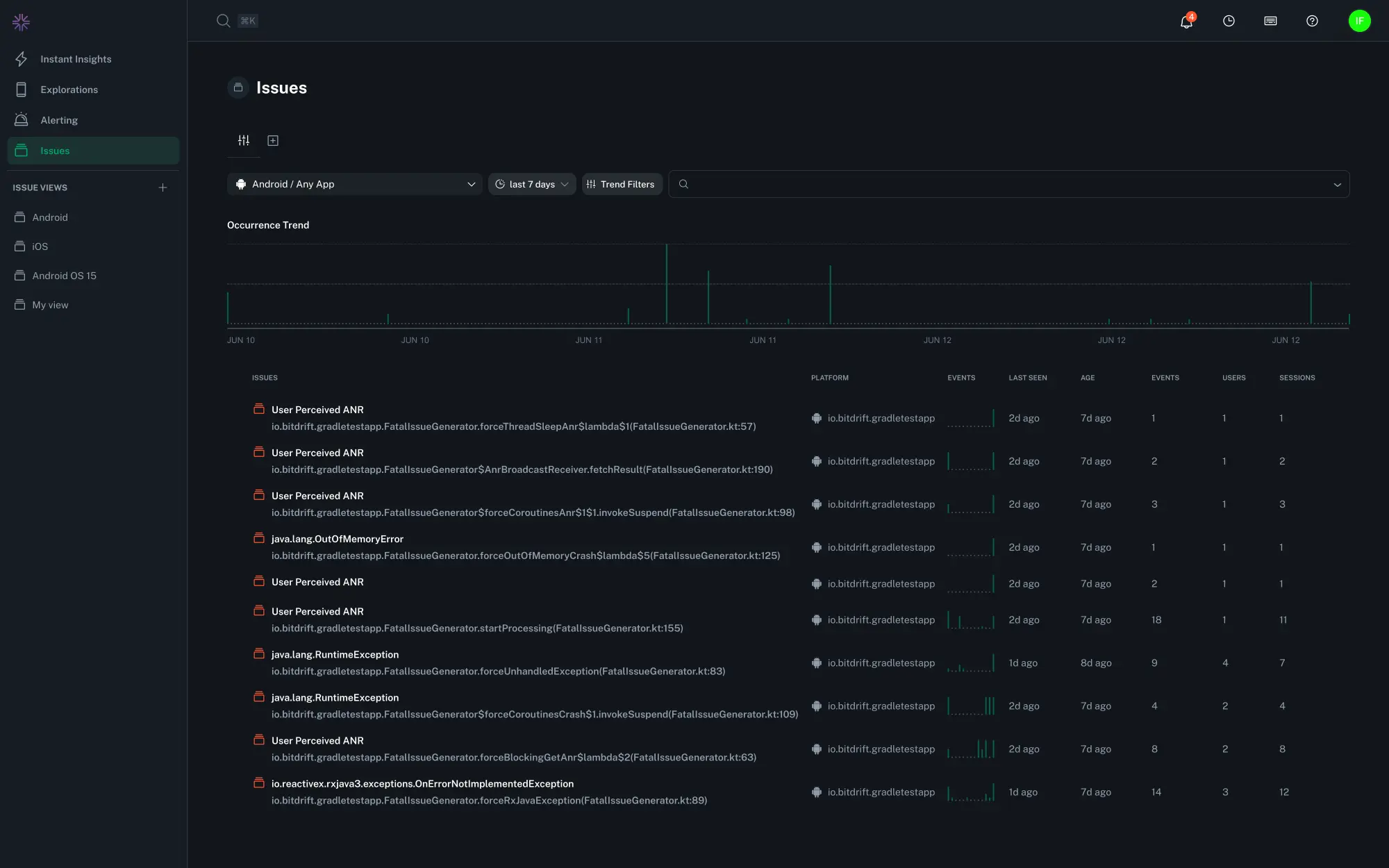
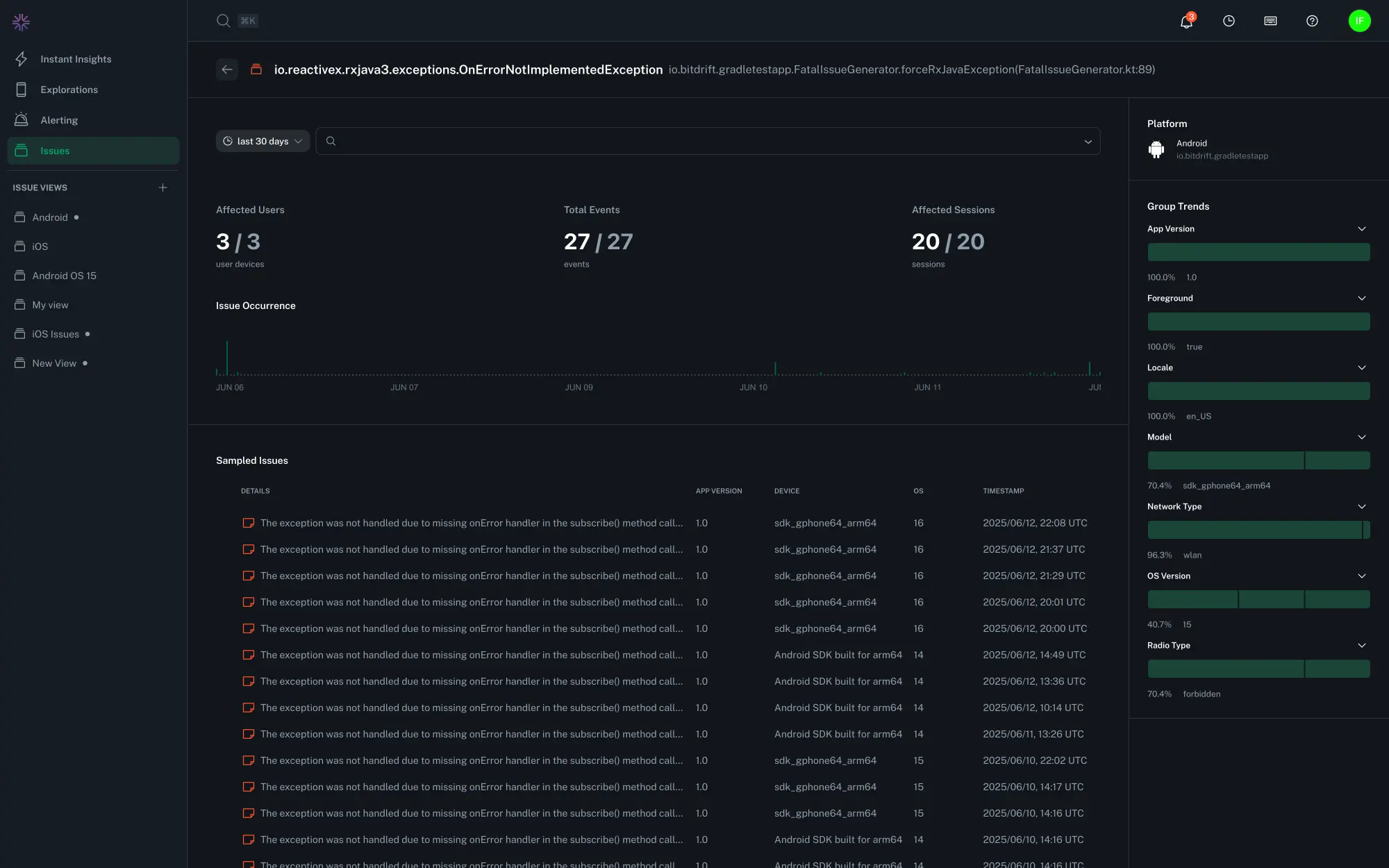
The Issues overview page is the starting point for identifying and triaging the most impactful crashes across your mobile apps. It provides both a high-level view of crash trends over time and a detailed list of filterable grouped issues. Selecting an issue group shows the underlying isssue list, trends, and metrics in higher detail and provides options for filtering and triage.
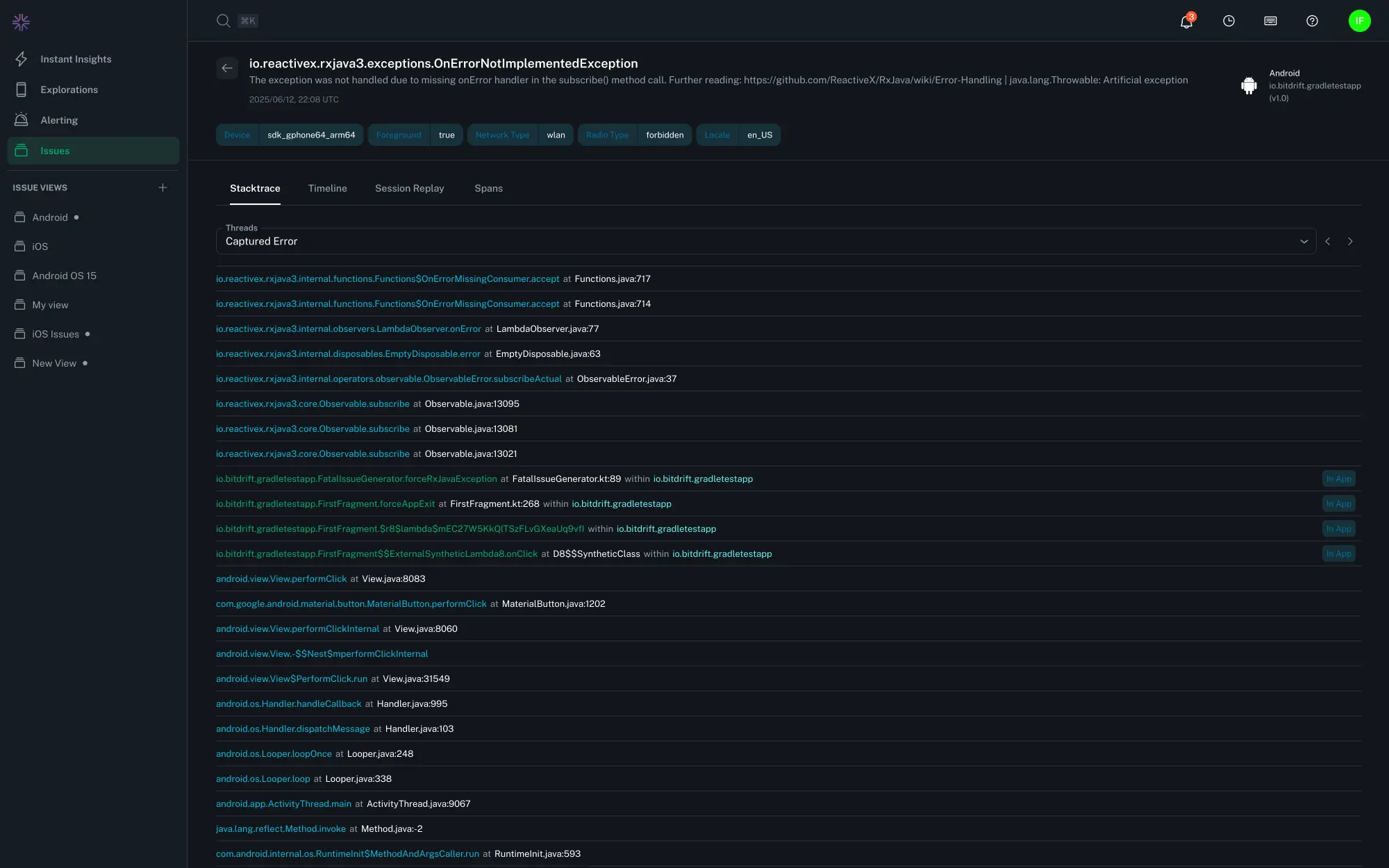
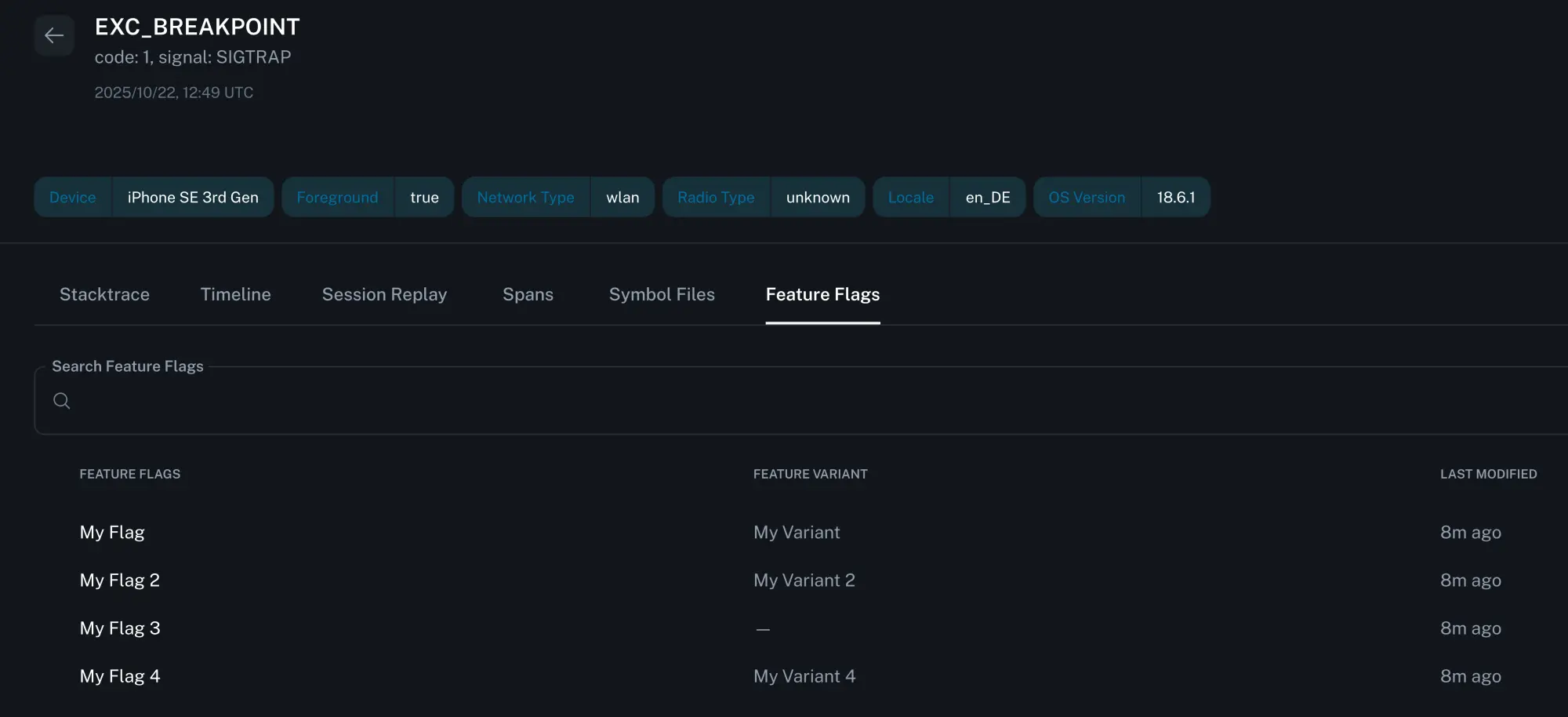
The issue list can be drilled in further to see the individual issue instance with the associated error stack trace, threads, session timeline, and exposed feature flags.
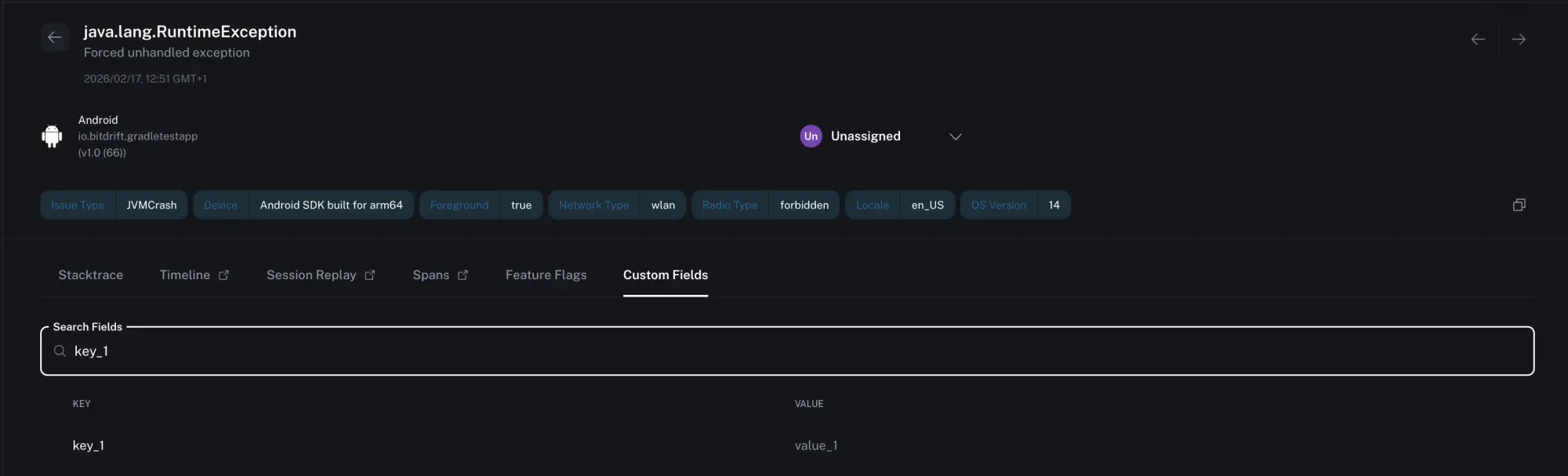
Exploring Issue Details
Individual issues within a group contain fine-grained detail about the operating environment in which it occurred.
Thread Navigation
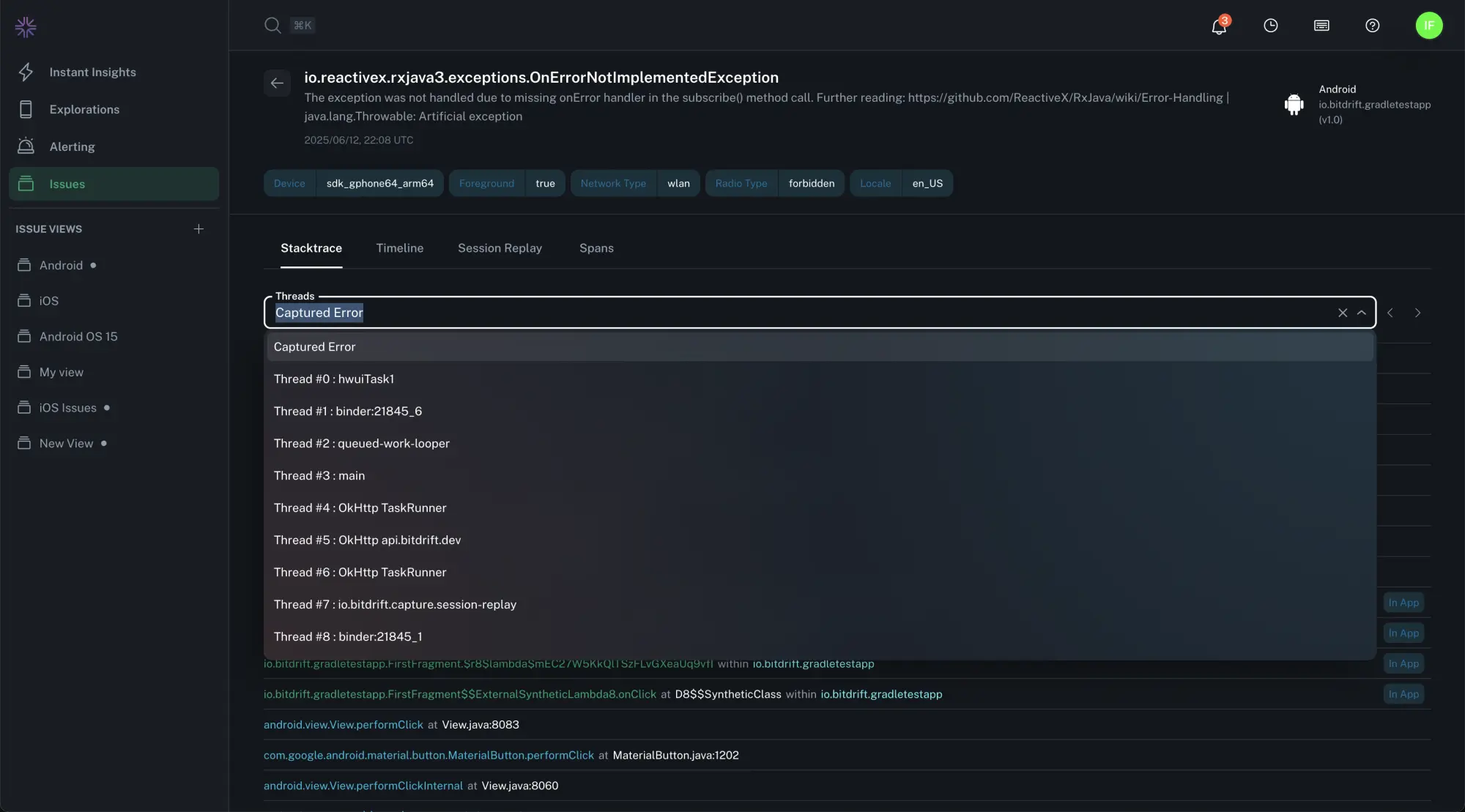
There are multiple ways to explore the stack traces of the process when the issue occurred:
- The error and thread dropdown - an auto-complete dropdown menu lets you find and select any thread that was active at the time of the crash
- Navigation buttons - Use the
<and>buttons to quickly cycle through available threads - Press left or right while viewing stack traces to cycle through the thread list
The thread that triggered the crash is labeled as "Captured Error". All other threads are numbered for reference.
Tip
You can search for keywords across all threads using your regular browser search.
Session Timeline and Replay
Select the Timeline, Session Replay, or Spans tabs to see the events which led to an issue.